For business
Why Your CMS Is Slowing Down Your Dev Team (And What to Do About It)
Manual schema design, blocked developers, and content bottlenecks are costing your team weeks per project. Here's how modern teams are breaking the cycle.
•
7 min read
The headless vs traditional debate has moved on. Here's what the real tradeoffs are in 2026, and how to choose the right architecture for your project.
Alex Rodriguez
Senior Software Engineer
The headless CMS conversation has been going on for a decade. By now, most developers know the basic pitch: decouple your content from your presentation layer, get an API, build your frontend however you want.
But the debate has evolved. The original headless vs traditional framing is too simple for 2026. Here's what the real tradeoffs look like today — and how to make the right call for your project.
A traditional CMS (WordPress, Drupal, Squarespace) bundles content management and content presentation together. You manage content in the admin, and the CMS renders the HTML that users see. The "head" (the frontend) is attached.
A headless CMS (Contentful, Sanity, Contensa) separates these concerns. You manage content in the admin, and the CMS exposes it via API. Your frontend — built in Next.js, Nuxt, a mobile app, whatever — fetches that content and renders it however it wants. The "head" is detached.
That's the simple version. Here's where it gets more nuanced.
Still true, more relevant than ever.
In 2016, this was a nice-to-have. In 2026, it's essential. The frontend landscape has fragmented dramatically. You might need your content on a Next.js website, a React Native app, a digital signage display, a voice interface, and an AI chatbot — all simultaneously.
A traditional CMS can't serve all of these. A headless CMS can.
Verdict: Headless wins, decisively.
Was true. Less true now.
The original headless CMS platforms (Contentful, Prismic) had notoriously complex admin interfaces. Content editors needed training. Non-technical users struggled.
Modern headless CMS platforms have closed this gap significantly. The editing experience is now comparable to — and in some cases better than — traditional CMS platforms.
Verdict: Draw. Depends on the specific platform.
True for some platforms. Not universally true.
Enterprise headless CMS platforms (Contentful, Kontent.ai) can be eye-wateringly expensive at scale. But the market has diversified. There are now headless CMS options at every price point, including free tiers that are genuinely useful.
Verdict: Depends on the platform. Do the math for your specific use case.
No longer true.
This argument was based on the assumption that server-side rendering was only possible with traditional CMS. That's been false for years. Next.js, Nuxt, Astro, and other modern frameworks handle SSR and SSG natively, with or without a headless CMS.
Verdict: Headless wins. Modern frameworks handle SEO as well as any traditional CMS.
The old arguments are mostly settled. Here are the tradeoffs that actually matter in 2026:
How long does it take to go from "I want to build something" to "I have an API I can query"?
With a traditional CMS, this is fast — you install WordPress, activate a REST API plugin, and you're querying content within an hour.
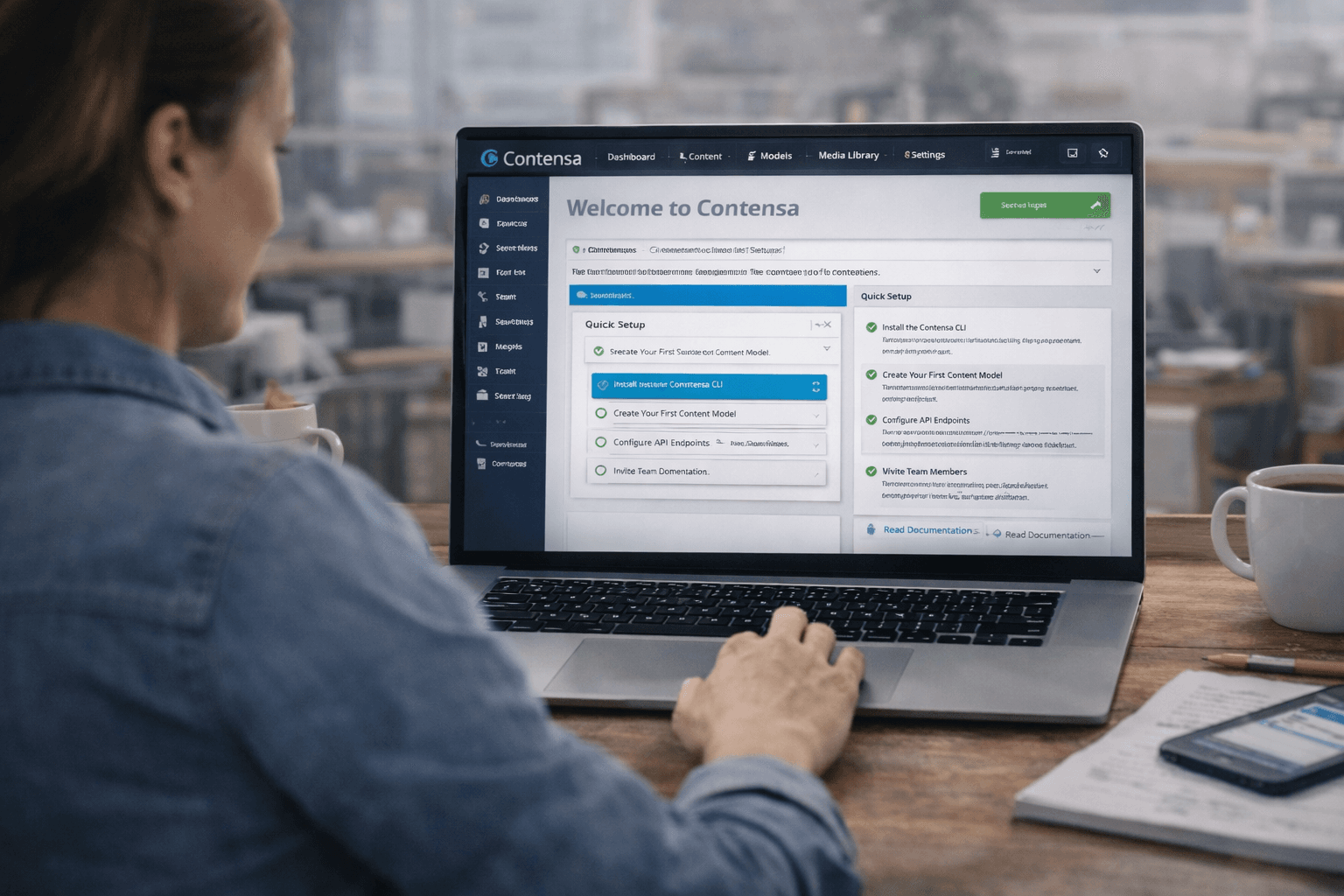
With most headless CMS platforms, this is slower — you need to design your content model, configure fields, set up environments, generate API keys, and write your first query. For a simple project, this can take half a day.
The new generation of AI-native headless CMS platforms is changing this. Instead of manually designing schemas, you describe what you're building and the content model is generated for you. Time to first API call drops from hours to minutes.
Content models change. Fields get added, renamed, restructured. In a traditional CMS, this is usually straightforward — add a field, it shows up everywhere.
In a headless CMS, schema changes have downstream effects: API queries need updating, TypeScript types need regenerating, frontend components need adjusting. This maintenance overhead is real and often underestimated.
What to look for: Does the CMS auto-generate TypeScript types? Does it version your schema? Does it warn you about breaking changes?
Your developers will set up the CMS. Your content team will live in it every day. The editor experience matters enormously for adoption.
Traditional CMS platforms have a 20-year head start on editor UX. Headless platforms have been catching up, but the gap varies widely by platform.
What to look for: Can non-technical users create and edit content without developer help? Is the rich text editor good? Is media management intuitive?
If you're only building one website, this doesn't matter much. If you're building for multiple channels (web, mobile, email, digital signage, AI interfaces), it matters enormously.
Traditional CMS: poor multi-channel support by design. Headless CMS: excellent multi-channel support by design.
What to look for: Does the API support all the query patterns your channels need? GraphQL is particularly useful here for flexible data fetching.
This is the newest and fastest-moving dimension of the comparison.
Traditional CMS platforms are bolting AI on as an afterthought — a plugin here, a third-party integration there.
Modern headless CMS platforms are building AI in from the ground up: AI-assisted content generation, AI-powered schema creation, AI translation, AI SEO optimization.
What to look for: Is AI a core feature or a plugin? Can AI generate content that fits your schema automatically? Can AI help you build the schema itself?
Traditional CMS still makes sense when:
Headless CMS is the right choice when:
The headless vs traditional debate is being disrupted by a new category: AI-native CMS.
These platforms don't just expose content via API — they use AI to generate the content structure itself, populate entries, assist with translation, and optimize for different channels. The developer experience is radically faster because the setup work that used to take days now takes minutes.
This is where the market is heading. The question isn't just "headless or traditional" anymore — it's "how much of the setup and maintenance work can be automated?"
Here's a simple framework:
| Scenario | Recommendation | |----------|---------------| | Simple marketing site, non-technical team | Traditional CMS (WordPress) | | Marketing site with custom frontend | Headless CMS | | Multi-channel content delivery | Headless CMS | | Agency managing multiple clients | AI-native Headless CMS | | Product with complex content requirements | AI-native Headless CMS | | Enterprise with existing CMS investment | Evaluate migration cost vs. benefit |
In 2026, the headless vs traditional debate is mostly over for teams building modern web applications. Headless wins on flexibility, performance, and multi-channel delivery.
The more interesting question is which headless CMS — and specifically, how much of the setup and maintenance overhead can be automated with AI.
The teams moving fastest aren't just using headless CMS. They're using headless CMS that generates schemas from intent, delivers APIs automatically, and integrates AI throughout the content workflow.
Contensa is an AI-native headless CMS that generates content models from plain-language briefs and delivers GraphQL + REST APIs automatically. Start free — no credit card required.
Manual schema design, blocked developers, and content bottlenecks are costing your team weeks per project. Here's how modern teams are breaking the cycle.

Every hour your team spends clicking through CMS field configuration is an hour not spent building. Here's how to quantify the real cost — and eliminate it.
You keep hearing about headless CMS. Your developers want to use one. Here's what it actually means, why it matters, and how to decide if it's right for your project.