
Content operations
AI-Powered Content Generation: Best Practices and Use Cases
Discover how to leverage Contensa's AI content generation features to streamline your workflow and create high-quality content faster.
•
6 min read
Learn how to manage multilingual content efficiently using Contensa's built-in localization features and reach a global audience.
Emma Williams
Content Operations Lead

Reaching a global audience requires more than just translating text. In this guide, we'll explore how to implement a comprehensive localization strategy using Contensa.
Localization goes beyond simple translation:
Configure your supported locales in Contensa:
typescriptconst locales = [
  { code: 'en-US', name: 'English (US)', default: true },
  { code: 'es-ES', name: 'Spanish (Spain)' },
  { code: 'fr-FR', name: 'French (France)' },
  { code: 'de-DE', name: 'German (Germany)' },
  { code: 'ja-JP', name: 'Japanese (Japan)' },
];
Enable localization per field:
json{
  "fields": [
    {
      "name": "title",
      "type": "text",
      "localized": true
    },
    {
      "name": "content",
      "type": "richText",
      "localized": true
    },
    {
      "name": "sku",
      "type": "text",
      "localized": false
    }
  ]
}
graphqlquery GetLocalizedPost($slug: String!, $locale: String!) {
  blogPost(slug: $slug, locale: $locale) {
    title
    content
    locale
  }
}
Implement locale fallback:
typescriptasync function getLocalizedContent(slug: string, locale: string) {
  try {
    return await client.getEntry(slug, { locale });
  } catch (error) {
    // Fallback to default locale
    return await client.getEntry(slug, { locale: 'en-US' });
  }
}
Create content in your primary locale first.
Options for translation:
Implement a review workflow:
typescriptconst workflow = {
  draft: 'Content created',
  inTranslation: 'Sent to translators',
  inReview: 'Under review',
  published: 'Live in all locales',
};
Some images may need localization:
typescriptinterface LocalizedAsset {
  'en-US': '/images/hero-en.jpg',
  'ja-JP': '/images/hero-ja.jpg',
}
Use locale-aware formatting:
typescriptconst formatDate = (date: Date, locale: string) => {
  return new Intl.DateTimeFormat(locale, {
    year: 'numeric',
    month: 'long',
    day: 'numeric',
  }).format(date);
};
Consider right-to-left languages:
css[dir="rtl"] .content {
  text-align: right;
  direction: rtl;
}
Choose an appropriate URL strategy:
Track localization effectiveness:
Effective localization is key to global success. With Contensa's robust localization features, you can efficiently manage multilingual content and provide excellent experiences for users worldwide.
Discover how to leverage Contensa's AI content generation features to streamline your workflow and create high-quality content faster.
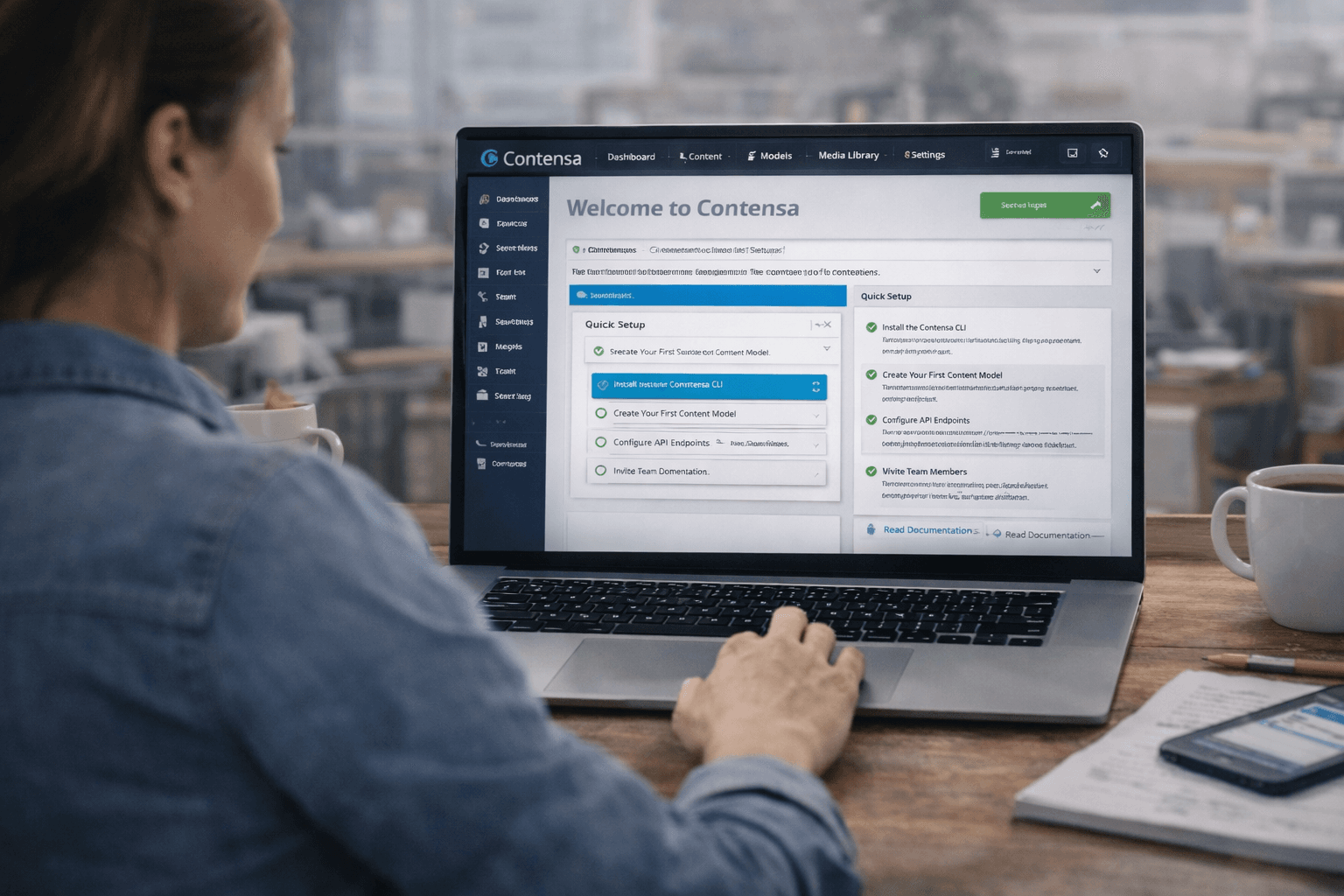
Learn how to set up Contensa CMS in minutes with this step-by-step guide covering installation, configuration, and fetching your first content.

A comprehensive guide to integrating Contensa's powerful GraphQL API into your applications with real-world examples and code snippets.