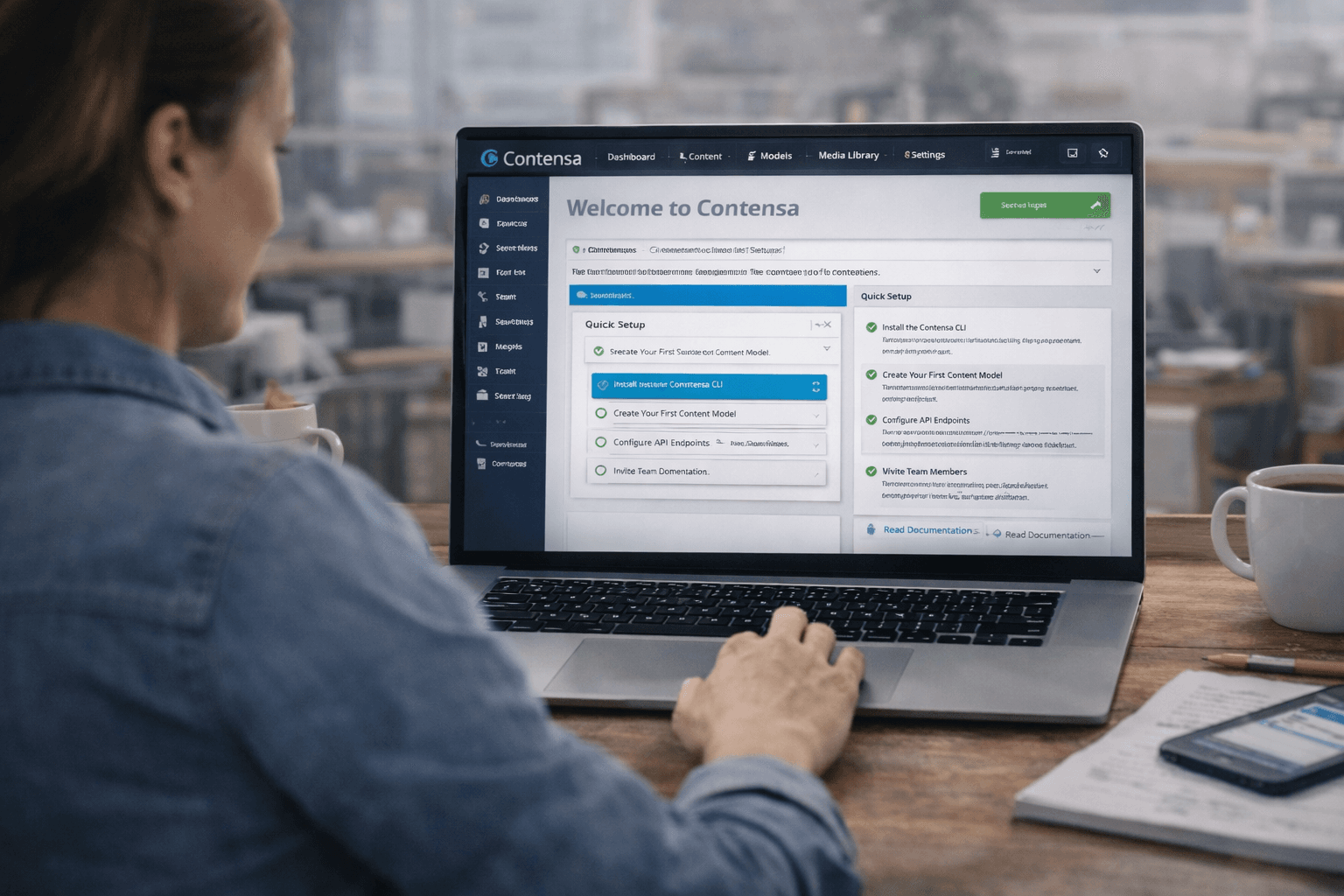
Getting Started with Contensa: Your Complete Setup Guide
Welcome to Contensa! This comprehensive guide will walk you through everything you need to know to get started with our powerful headless CMS platform. Whether you're building a marketing website, a mobile app, or a complex web application, Contensa provides the flexibility and performance you need.
Why Choose Contensa?
Before diving into the setup process, let's explore what makes Contensa stand out:
- API-First Architecture: Purpose-built headless CMS with REST APIs
- Developer Experience: Simple SDK, comprehensive documentation, and modern tooling
- Content Modeling: Flexible content types that adapt to your needs
- Performance: Fast content delivery with automatic environment detection
- Type Safety: Full TypeScript support for better developer experience
Prerequisites
Before you begin, ensure you have:
- Node.js 18 or higher installed
- A Contensa.ai account with API credentials
- TypeScript 5.0 or higher (optional, but recommended)
- Your favorite code editor
Installation
Step 1: Install the Mybe SDK
Install the SDK using your preferred package manager:
bash
# Using npm
npm install @mybe/sdk
# Using yarn
yarn add @mybe/sdk
# Using pnpm
pnpm add @mybe/sdk
Step 2: Verify Installation
Create a test file to verify the installation:
typescript
import { MybeSDK } from '@mybe/sdk';
const sdk = new MybeSDK({
apiKey: 'your-api-key'
});
console.log('SDK initialized successfully!');
Step 3: Environment Setup
Store your API credentials securely in environment variables:
MYBE_API_KEY=your-api-key-here
Security Note: Never commit API keys to version control. Always use environment variables or secure secrets management.
SDK Configuration
Basic Configuration
Initialize the SDK with your API key:
typescript
import { MybeSDK } from '@mybe/sdk';
const sdk = new MybeSDK({
apiKey: process.env.MYBE_API_KEY
});
Environment Detection
The SDK automatically detects your environment:
- Development (): Uses
http://localhost:3001/api/v1
- Production: Uses
https://api.mybe.app/api/v1
Custom Configuration
Override the default base URL if needed:
typescript
const sdk = new MybeSDK({
apiKey: process.env.MYBE_API_KEY,
baseUrl: 'https://custom-api.example.com/api/v1'
});
Fetching Content
Now that your SDK is configured, let's fetch some content!
Fetch a Single Content Entry
Retrieve a specific content entry by its ID:
typescript
// Fetch content by ID
const content = await sdk.getContent('content-id');
console.log(content.data); // Content data
console.log(content.status); // 'draft' | 'published' | 'archived'
Fetch Content by Type
Get all entries for a specific content type:
typescript
// Fetch published blog posts
const result = await sdk.getContentByType('blog-post-type-id', {
status: 'published',
limit: 10
});
console.log(result.data); // Array of content entries
console.log(result.pagination); // Pagination information
Filter Options
Customize your queries with these options:
- : Filter by content status (, , or )
- : Specify content locale for multilingual support
- : Number of results to return
- : Pagination key for fetching next page
Fetch by Field Value
Perfect for dynamic routing and SEO-friendly URLs:
typescript
// Fetch blog post by slug
const post = await sdk.getContentByField(
'blog-type-id',
'slug',
'getting-started-with-contensa'
);
// Fetch page by URL path
const page = await sdk.getContentByField(
'page-type-id',
'href',
'/about-us'
);
// Returns null if not found (no error thrown)
if (!post) {
console.log('Content not found');
}
Working with Content Models
List All Content Models
Get all content types in your project:
typescript
const contentModels = await sdk.getContentModels('project-id');
contentModels.forEach(model => {
console.log(model.name);
console.log(model.fields);
});
Get Specific Content Model
Retrieve details about a specific content type:
typescript
const contentModel = await sdk.getContentModel('content-type-id');
console.log(contentModel.name);
console.log(contentModel.fields);
console.log(contentModel.metadata);
Error Handling
Implement robust error handling for a better user experience:
typescript
import { NotFoundError, UnauthorizedError } from '@mybe/sdk';
try {
const content = await sdk.getContent('content-id');
console.log(content);
} catch (error) {
if (error instanceof NotFoundError) {
console.error('Content not found');
} else if (error instanceof UnauthorizedError) {
console.error('Invalid API key - check your credentials');
} else {
console.error('An unexpected error occurred:', error);
}
}
Real-World Example
Here's a complete example for a Next.js blog page:
typescript
import { MybeSDK } from '@mybe/sdk';
const sdk = new MybeSDK({
apiKey: process.env.MYBE_API_KEY
});
// Next.js page component
export default async function BlogPost({ params }) {
try {
// Fetch blog post by slug
const post = await sdk.getContentByField(
'blog-type-id',
'slug',
params.slug
);
if (!post) {
return <div>Post not found</div>;
}
return (
<article>
<h1>{post.data.title}</h1>
<div>{post.data.content}</div>
<time>{post.data.publishedAt}</time>
</article>
);
} catch (error) {
console.error('Error fetching post:', error);
return <div>Error loading post</div>;
}
}
Next Steps
Congratulations! You've successfully set up Contensa and learned the basics. Here's what to explore next:
- Content Filtering: Learn advanced filtering and sorting techniques
- Localization: Support multiple languages in your content
- Content Relationships: Connect related content entries
- Caching Strategies: Optimize performance with smart caching
- Real-time Updates: Implement webhooks for live content updates
Additional Resources
- API Documentation: Complete API reference at contensa.ai/docs
- TypeScript Types: Full type definitions included in the SDK
- Examples: Check out example implementations in the docs
- Community: Join our Discord for support and discussions
Common Use Cases
Dynamic Routing
typescript
// pages/[...slug].tsx
export async function generateStaticParams() {
const pages = await sdk.getContentByType('page-type-id', {
status: 'published'
});
return pages.data.map(page => ({
slug: page.data.href.split('/').filter(Boolean)
}));
}
typescript
async function fetchAllPosts() {
let allPosts = [];
let lastKey = undefined;
do {
const result = await sdk.getContentByType('blog-type-id', {
status: 'published',
limit: 20,
lastKey
});
allPosts = [...allPosts, ...result.data];
lastKey = result.pagination.lastKey;
} while (lastKey);
return allPosts;
}
Troubleshooting
API Key Issues
If you receive unauthorized errors, verify:
- Your API key is correct
- Environment variables are loaded properly
- The key has proper permissions
Content Not Found
When content returns null:
- Verify the content ID or field value is correct
- Check the content status (draft vs published)
- Ensure you're querying the right content type
Network Errors
For connection issues:
- Check your internet connection
- Verify the API endpoint is accessible
- Review any firewall or proxy settings
Need Help?
If you encounter issues or have questions:
- Check the full documentation
- Review API reference
- Join our Discord community
- Email support at support@contensa.ai
Happy building with Contensa! 🚀