Technical
Getting Started with Contensa: Your Complete Setup Guide
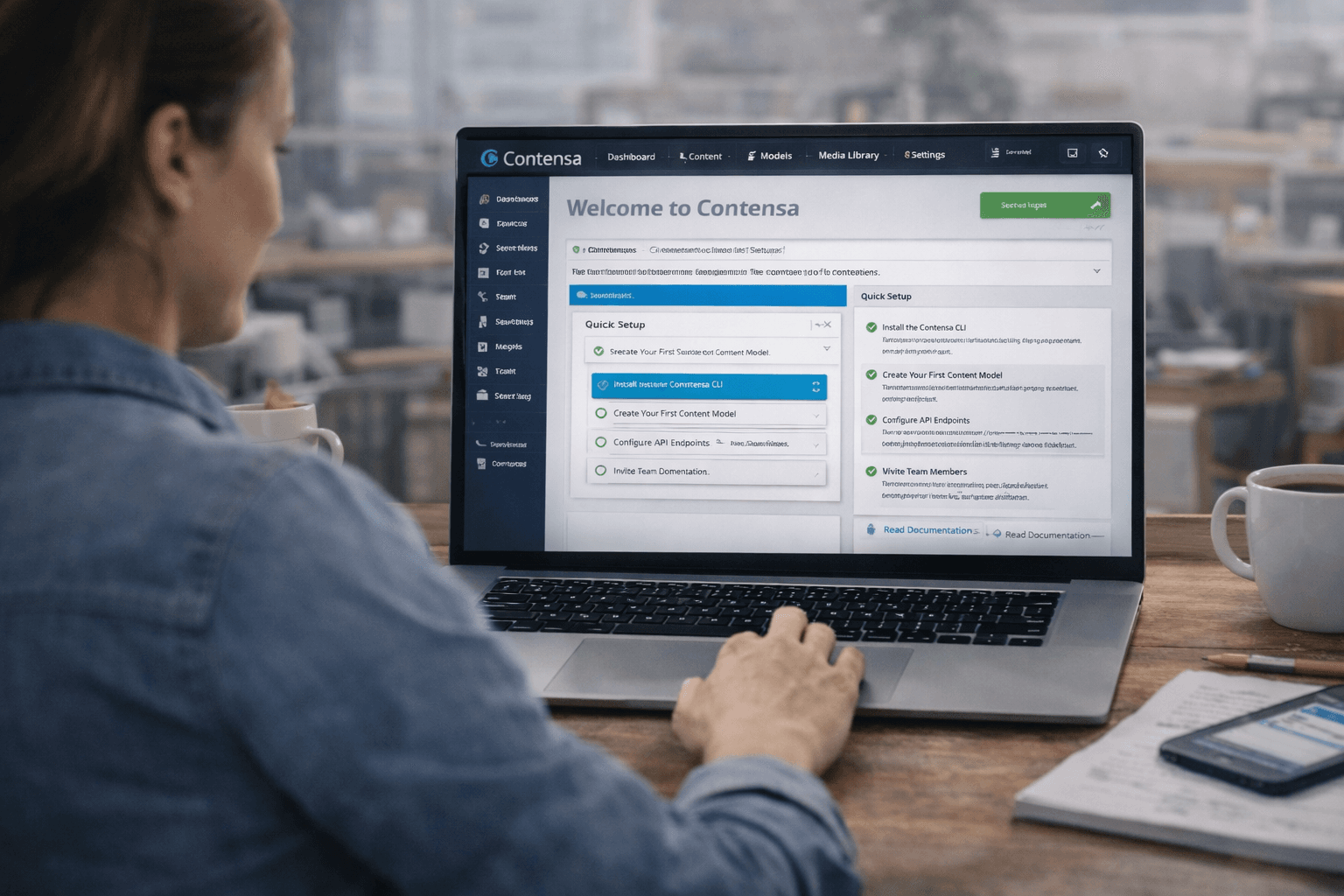
Learn how to set up Contensa CMS in minutes with this step-by-step guide covering installation, configuration, and fetching your first content.
•
8 min read
The core magic of Contensa explained: how AI turns a plain-language description of your project into a fully structured content model with fields, relationships, and a live API.
Michael Chen
AI/ML Engineer

The most common question we get from developers evaluating Contensa: "How does the AI content model generation actually work?"
It's a fair question. The pitch — describe what you're building, get a content model — sounds almost too simple. Here's what's actually happening under the hood, and why it works as well as it does.
Traditional content modeling is a translation problem. You have a mental model of your content — "I'm building a product catalog with variants and pricing" — and you need to translate that into a formal schema: content types, field names, field types, relationships, validations.
This translation is tedious, error-prone, and requires developer expertise. The developer has to make dozens of micro-decisions: Should "price" be a number or a string? Should "variants" be a nested object or a separate content type with a reference? Should "tags" be a text array or a reference to a Tags content type?
These decisions matter. Get them wrong and you'll be refactoring your schema later, which cascades into API changes, frontend changes, and content migration.
Contensa treats content modeling as a natural language understanding problem. Instead of asking you to make all those micro-decisions upfront, it:
The AI has been trained on thousands of content models across different industries and use cases. It knows that "product catalog" implies variants, pricing, and inventory. It knows that "blog" implies authors, categories, and tags. It knows that "e-commerce" implies products, orders, and customers.
Let's walk through a real example. Here's a brief:
"I'm building a marketing website for a B2B SaaS company. I need a blog with author profiles, a case studies section with client logos and metrics, a team page, and landing pages with customizable hero sections and feature blocks."
Here's what Contensa generates:
BlogPost
Author
CaseStudy
TeamMember
LandingPage
Notice several things the AI handled automatically:
Slug fields on content types that need URLs. BlogPost, CaseStudy, and LandingPage all get slug fields. TeamMember does not — team members do not typically have their own URLs.
SEO fields on public-facing content. BlogPost and LandingPage get seoTitle and seoDescription. Author and TeamMember do not — they are not typically indexed separately.
Appropriate field types. The metrics field on CaseStudy is JSON, not a text field — because metrics are structured data that benefit from structure. The featureBlocks field on LandingPage is also JSON for the same reason.
Reference relationships. BlogPost references Author rather than embedding author data directly. This means you can update an author's bio once and it updates across all their posts.
Ordering field on TeamMember. The AI inferred that team members need to be displayed in a specific order, so it added an integer order field.
The generated schema is a starting point, not a final answer. After generation, you can add fields the AI missed, remove fields you do not need, change field types, adjust validation rules, and add or modify relationships.
In practice, most teams make 2-3 small adjustments to the generated schema. The AI gets 90-95% of the way there; you handle the edge cases specific to your project.
Once the schema is confirmed, Contensa automatically generates a GraphQL schema, REST endpoints, and TypeScript types — all from your content model, updated automatically when the schema changes.
graphqlquery GetBlogPosts($limit: Int, $offset: Int) {
  blogPosts(
    filter: { status: { eq: "published" } }
    sort: { publishedAt: DESC }
    limit: $limit
    offset: $offset
  ) {
    items {
      id
      title
      slug
      excerpt
      publishedAt
      featuredImage { url alt }
      author { name role avatar { url } }
      tags
    }
    total
    hasMore
  }
}
This query works immediately after schema generation. No additional configuration required.
The practical impact of AI-generated content models is a fundamentally different project timeline:
Traditional workflow: Day 1 requirements, Day 2-3 manual content modeling, Day 4 API setup, Day 5 frontend development begins.
Contensa workflow: Day 1 morning — requirements + content model generation (30 minutes). Day 1 afternoon — frontend development begins, content team starts populating.
The content model generation step goes from 2-3 days to 30 minutes. Everything downstream accelerates.
AI-generated content models are excellent for common patterns. They are less reliable for highly specialized domains — medical records, financial instruments, legal documents — where the field structure is governed by industry standards or regulations. For these cases, you can start with a generated model and refine it, or build the model manually.
Ready to see AI content model generation in action? Start free with Contensa — your first workspace is ready in minutes.
Learn how to set up Contensa CMS in minutes with this step-by-step guide covering installation, configuration, and fetching your first content.
Discover how to leverage Contensa's AI content generation features to streamline your workflow and create high-quality content faster.

A comprehensive guide to integrating Contensa's powerful GraphQL API into your applications with real-world examples and code snippets.