
For developers
Building Dynamic Apps with Contensa's GraphQL API
A comprehensive guide to integrating Contensa's powerful GraphQL API into your applications with real-world examples and code snippets.
•
10 min read
A step-by-step tutorial for building a fully functional Next.js blog powered by Contensa's GraphQL API — from workspace setup to deployed site.
Sarah Johnson
Technical Writer & Developer Advocate
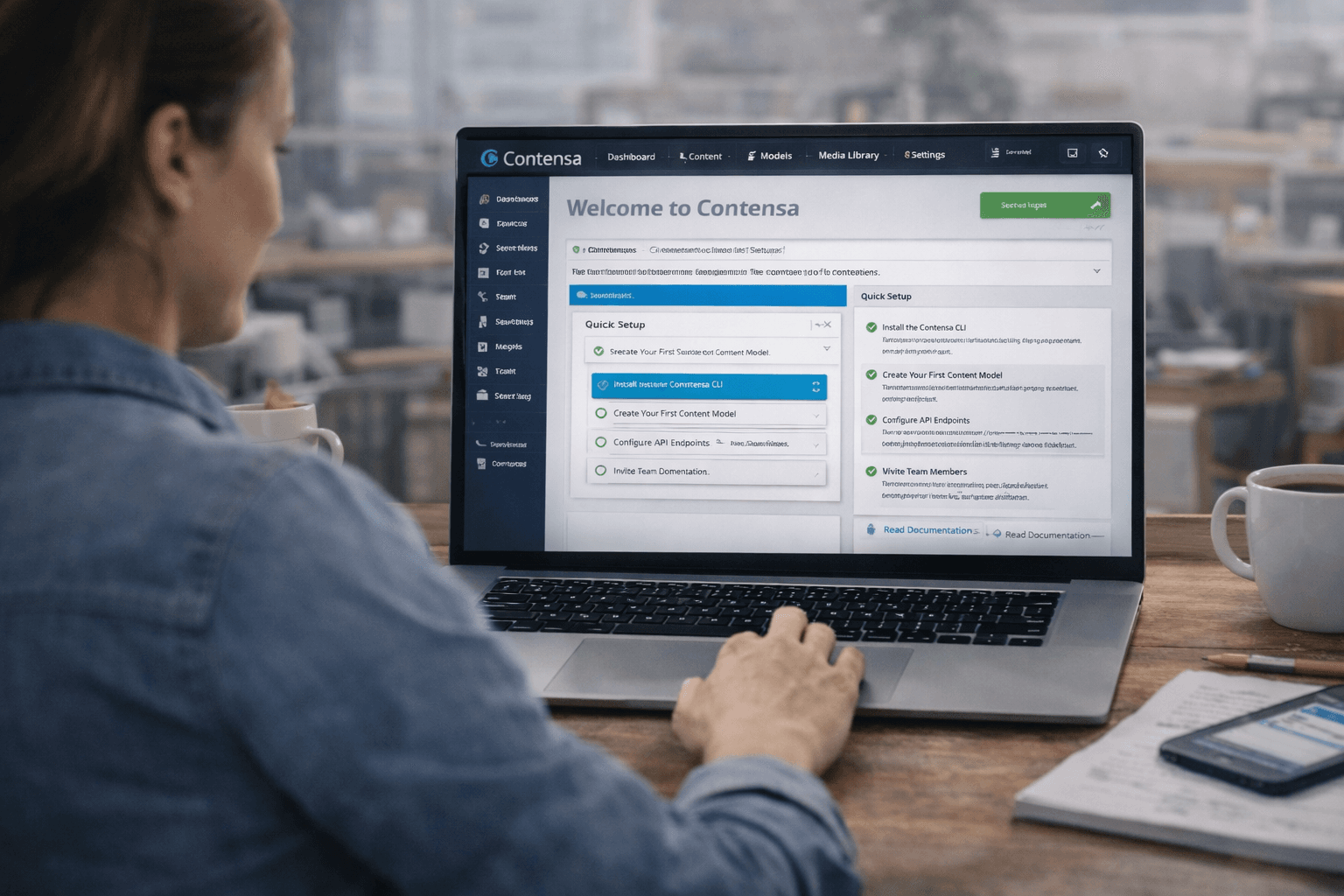
This is a practical, code-first tutorial. By the end, you'll have a fully functional Next.js blog powered by Contensa's API, with static generation, dynamic routing, and TypeScript throughout.
What we're building:
Prerequisites: Node.js 18+, a Contensa account (free tier works), basic familiarity with Next.js and TypeScript.
bashnpx create-next-app@latest contensa-blog --typescript --tailwind --app
cd contensa-blog
npm install @mybe/sdk
Create
lib/contensa.tstypescriptimport { MybeSDK } from '@mybe/sdk'; export const contensa = new MybeSDK({ apiKey: process.env.CONTENSA_API_KEY!, });
Add to
.env.localbashCONTENSA_API_KEY=your-api-key-here CONTENSA_BLOG_POST_TYPE_ID=your-blog-post-type-id
Create
types/blog.tstypescriptexport interface Author { id: string; name: string; role: string; bio: string; avatar?: { url: string; alt: string }; } export interface BlogPost { id: string; title: string; slug: string; excerpt: string; body: string; author: Author; publishedAt: string; featuredImage?: { url: string; alt: string }; tags: string[]; category: string; }
Create
lib/blog.tstypescriptimport { contensa } from './contensa'; import type { BlogPost } from '@/types/blog'; const TYPE_ID = process.env.CONTENSA_BLOG_POST_TYPE_ID!; export async function getAllPosts() { const result = await contensa.getContentByType(TYPE_ID, { status: 'published', limit: 100, }); return result.data.map((entry) => ({ id: entry.id, title: entry.data.title, slug: entry.data.slug, excerpt: entry.data.excerpt, author: { name: entry.data.author?.data?.name ?? 'Unknown', role: entry.data.author?.data?.role ?? '', avatar: entry.data.author?.data?.avatar ?? null, }, publishedAt: entry.data.publishedAt, featuredImage: entry.data.featuredImage ?? null, tags: entry.data.tags ?? [], category: entry.data.category ?? '', })); } export async function getPostBySlug(slug: string): Promise<BlogPost | null> { const entry = await contensa.getContentByField(TYPE_ID, 'slug', slug); if (!entry) return null; return { id: entry.id, title: entry.data.title, slug: entry.data.slug, excerpt: entry.data.excerpt, body: entry.data.body, author: { id: entry.data.author?.id ?? '', name: entry.data.author?.data?.name ?? 'Unknown', role: entry.data.author?.data?.role ?? '', bio: entry.data.author?.data?.bio ?? '', avatar: entry.data.author?.data?.avatar ?? null, }, publishedAt: entry.data.publishedAt, featuredImage: entry.data.featuredImage ?? null, tags: entry.data.tags ?? [], category: entry.data.category ?? '', }; } export async function getAllPostSlugs(): Promise<string[]> { const posts = await getAllPosts(); return posts.map((post) => post.slug); }
Create
app/blog/page.tsxtypescriptimport Link from 'next/link'; import Image from 'next/image'; import { getAllPosts } from '@/lib/blog'; export const revalidate = 3600; export default async function BlogPage() { const posts = await getAllPosts(); return ( <main className="max-w-4xl mx-auto px-4 py-16"> <h1 className="text-4xl font-bold mb-12">Blog</h1> <div className="grid gap-8"> {posts.map((post) => ( <article key={post.id} className="border-b pb-8"> <div className="text-sm text-gray-500 mb-2"> {post.category} · {new Date(post.publishedAt).toLocaleDateString()} </div> <h2 className="text-xl font-semibold mb-2"> <Link href={`/blog/${post.slug}`} className="hover:text-blue-600"> {post.title} </Link> </h2> <p className="text-gray-600 mb-4">{post.excerpt}</p> <div className="flex items-center gap-2 text-sm"> {post.author.avatar && ( <Image src={post.author.avatar.url} alt={post.author.name} width={24} height={24} className="rounded-full" /> )} <span>{post.author.name}</span> </div> </article> ))} </div> </main> ); }
Create
app/blog/[slug]/page.tsxtypescriptimport Image from 'next/image'; import { notFound } from 'next/navigation'; import { getAllPostSlugs, getPostBySlug } from '@/lib/blog'; import type { Metadata } from 'next'; interface Props { params: { slug: string } } export async function generateStaticParams() { const slugs = await getAllPostSlugs(); return slugs.map((slug) => ({ slug })); } export async function generateMetadata({ params }: Props): Promise<Metadata> { const post = await getPostBySlug(params.slug); if (!post) return {}; return { title: post.title, description: post.excerpt, openGraph: { title: post.title, description: post.excerpt, images: post.featuredImage ? [post.featuredImage.url] : [], }, }; } export const revalidate = 3600; export default async function BlogPostPage({ params }: Props) { const post = await getPostBySlug(params.slug); if (!post) notFound(); return ( <main className="max-w-3xl mx-auto px-4 py-16"> <div className="text-sm text-gray-500 mb-4"> {post.category} · {new Date(post.publishedAt).toLocaleDateString()} </div> <h1 className="text-4xl font-bold mb-6">{post.title}</h1> <p className="text-xl text-gray-600 mb-8">{post.excerpt}</p> <div className="flex items-center gap-3 py-6 border-y mb-8"> {post.author.avatar && ( <Image src={post.author.avatar.url} alt={post.author.name} width={40} height={40} className="rounded-full" /> )} <div> <div className="font-medium">{post.author.name}</div> <div className="text-sm text-gray-500">{post.author.role}</div> </div> </div> {post.featuredImage && ( <Image src={post.featuredImage.url} alt={post.featuredImage.alt || post.title} width={800} height={450} className="w-full rounded-xl mb-10" priority /> )} <article className="prose prose-lg max-w-none" dangerouslySetInnerHTML={{ __html: post.body }} /> {post.tags.length > 0 && ( <div className="mt-12 flex flex-wrap gap-2"> {post.tags.map((tag) => ( <span key={tag} className="px-3 py-1 bg-gray-100 rounded-full text-sm"> {tag} </span> ))} </div> )} </main> ); }
In your Contensa dashboard, create an Author entry and a BlogPost entry (set status to Published). Then:
bashnpm run dev
Visit
http://localhost:3000/blogbashnpx vercel
Add your environment variables in the Vercel dashboard. Done.
Start your free Contensa workspace and have your first blog post live in under 30 minutes.
A comprehensive guide to integrating Contensa's powerful GraphQL API into your applications with real-world examples and code snippets.
Learn how to use Contensa's webhook system to trigger real-time builds, sync content to external systems, and automate your content workflow.
Learn how to set up Contensa CMS in minutes with this step-by-step guide covering installation, configuration, and fetching your first content.