
For developers
Building Dynamic Apps with Contensa's GraphQL API
A comprehensive guide to integrating Contensa's powerful GraphQL API into your applications with real-world examples and code snippets.
•
10 min read
Learn how to use Contensa's webhook system to trigger real-time builds, sync content to external systems, and automate your content workflow.
Alex Rodriguez
Senior Software Engineer
Static generation is great for performance. But it creates a problem: when content changes in your CMS, your site does not update until the next build.
Webhooks solve this. When content is published, updated, or deleted in Contensa, a webhook fires — triggering a rebuild, syncing to an external system, or running any automation you need.
A webhook is an HTTP POST request that Contensa sends to a URL you specify when something happens in your workspace. The request includes a JSON payload describing what changed.
You configure the URL to send the request to, which events trigger the webhook (publish, update, delete), and which content types to watch.
entry.publishentry.unpublishentry.updateentry.deletejson{ "event": "entry.publish", "timestamp": "2026-01-28T10:30:00.000Z", "workspaceId": "ws_abc123", "entry": { "id": "entry_xyz789", "contentTypeId": "blog-post-type-id", "contentTypeName": "BlogPost", "status": "published", "data": { "title": "My New Blog Post", "slug": "my-new-blog-post", "publishedAt": "2026-01-28T10:30:00.000Z" } } }
Contensa signs every webhook request with HMAC-SHA256. Always verify this before processing.
typescriptimport crypto from 'crypto';

function verifyWebhookSignature(
  payload: string,
  signature: string,
  secret: string
): boolean {
  const expectedSignature = `sha256=${crypto
    .createHmac('sha256', secret)
    .update(payload)
    .digest('hex')}`;

  return crypto.timingSafeEqual(
    Buffer.from(signature),
    Buffer.from(expectedSignature)
  );
}
The signature is in the
X-Contensa-SignatureCreate a Next.js API route at
app/api/webhooks/contensa/route.tstypescriptimport { NextRequest, NextResponse } from 'next/server'; import crypto from 'crypto'; const WEBHOOK_SECRET = process.env.CONTENSA_WEBHOOK_SECRET!; const VERCEL_DEPLOY_HOOK = process.env.VERCEL_DEPLOY_HOOK_URL!; export async function POST(request: NextRequest) { const body = await request.text(); const signature = request.headers.get('x-contensa-signature') ?? ''; const expectedSig = `sha256=${crypto .createHmac('sha256', WEBHOOK_SECRET) .update(body) .digest('hex')}`; if (signature !== expectedSig) { return NextResponse.json({ error: 'Invalid signature' }, { status: 401 }); } const payload = JSON.parse(body); if (['entry.publish', 'entry.unpublish'].includes(payload.event)) { await fetch(VERCEL_DEPLOY_HOOK, { method: 'POST' }); } return NextResponse.json({ received: true }); }
Now every time you publish content in Contensa, your Vercel site rebuilds automatically.
typescriptimport algoliasearch from 'algoliasearch';

const algolia = algoliasearch(
  process.env.ALGOLIA_APP_ID!,
  process.env.ALGOLIA_ADMIN_KEY!
);
const index = algolia.initIndex('blog_posts');

// Inside your webhook handler, after signature verification:
const payload = JSON.parse(body);

if (payload.entry.contentTypeName !== 'BlogPost') {
  return NextResponse.json({ skipped: true });
}

switch (payload.event) {
  case 'entry.publish':
    await index.saveObject({
      objectID: payload.entry.id,
      title: payload.entry.data.title,
      slug: payload.entry.data.slug,
      excerpt: payload.entry.data.excerpt,
    });
    break;

  case 'entry.unpublish':
  case 'entry.delete':
    await index.deleteObject(payload.entry.id);
    break;
}
Get notified in Slack when content is published:
typescriptconst SLACK_WEBHOOK_URL = process.env.SLACK_WEBHOOK_URL!;

if (payload.event === 'entry.publish') {
  await fetch(SLACK_WEBHOOK_URL, {
    method: 'POST',
    headers: { 'Content-Type': 'application/json' },
    body: JSON.stringify({
      text: `New content published: *${payload.entry.data.title}*`,
      blocks: [
        {
          type: 'section',
          text: {
            type: 'mrkdwn',
            text: `*${payload.entry.contentTypeName}* published: <https://yoursite.com/blog/${payload.entry.data.slug}|${payload.entry.data.title}>`,
          },
        },
      ],
    }),
  });
}
Contensa retries failed webhook deliveries with exponential backoff:
Your endpoint should return a 2xx status code within 10 seconds. For long-running operations, return 200 immediately and process asynchronously:
typescriptexport async function POST(request: NextRequest) {
  // Verify signature...
  const payload = JSON.parse(body);

  // Return immediately
  const response = NextResponse.json({ received: true });

  // Process asynchronously (use a queue in production)
  processWebhookAsync(payload).catch(console.error);

  return response;
}
Use a queue for reliability. For production systems, push webhook events to a queue (SQS, BullMQ, Inngest) rather than processing synchronously. This handles retries, backpressure, and failures gracefully.
Log everything. Store webhook events in a database for debugging and auditing. When something goes wrong, you want to know exactly what was received and when.
Be idempotent. Webhooks can be delivered more than once. Design your handlers so that processing the same event twice has no negative effect.
Filter early. Return 200 immediately for events you do not care about. Do not make Contensa wait while you decide whether to process an event.
With webhooks properly configured, your content workflow becomes fully automated:
No manual steps. No delays. Content published in Contensa is live everywhere within minutes.
Start your free Contensa workspace and connect your first webhook in minutes.
A comprehensive guide to integrating Contensa's powerful GraphQL API into your applications with real-world examples and code snippets.
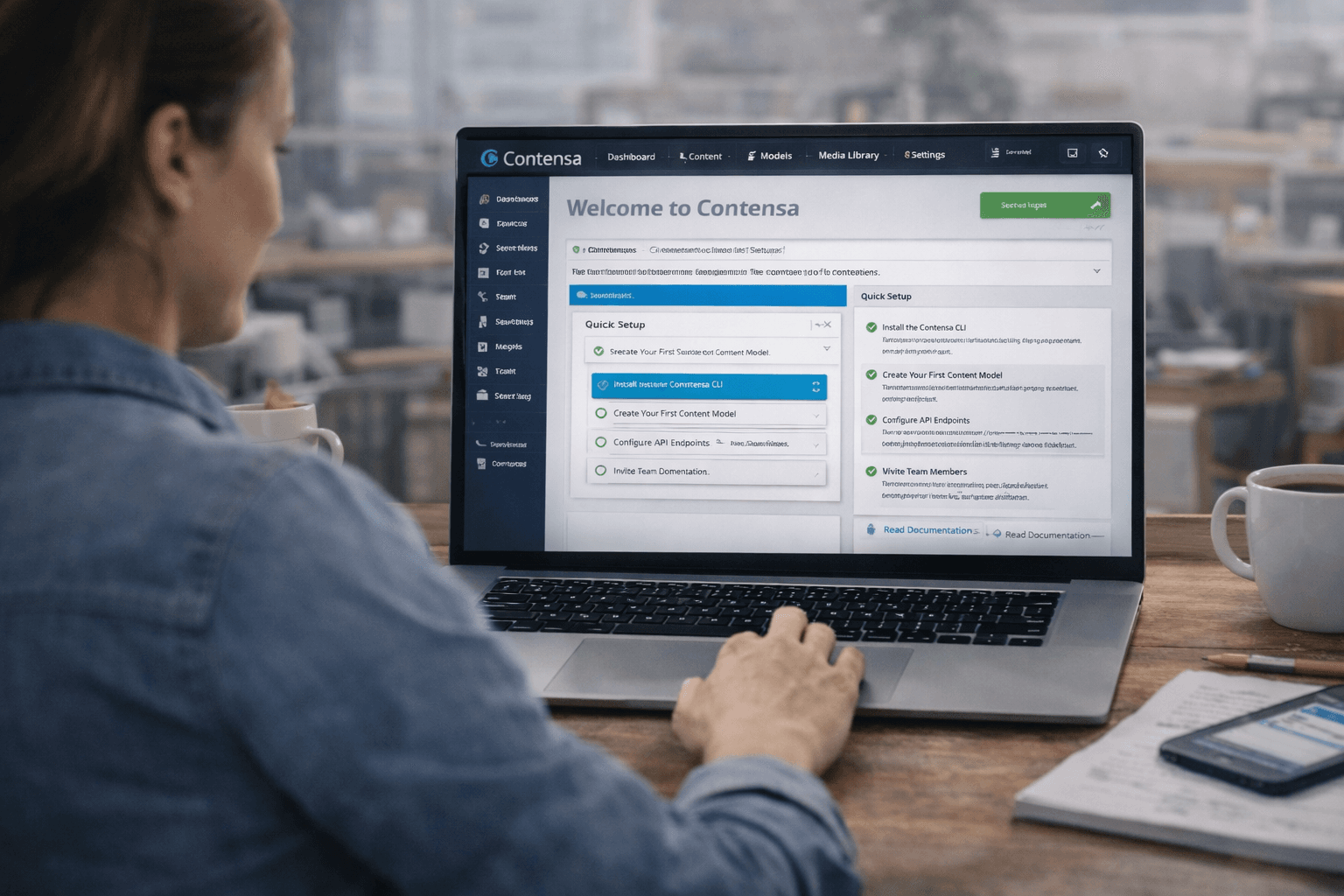
A step-by-step tutorial for building a fully functional Next.js blog powered by Contensa's GraphQL API — from workspace setup to deployed site.
Learn how to set up Contensa CMS in minutes with this step-by-step guide covering installation, configuration, and fetching your first content.